 Qavendi
How to Make a Monthly Budget in Google Sheets (A Simple, ADHD-Friendly Method)
A budget does not need 40 categories and a finance degree. It needs to answer one question: how much can I spend right now without hurting next week? Here is a simple method that works in Google Sheets or Excel, and works well if long lists and small numbers make your eyes glaze over.
1. Start with what actually lands in your account
Write down your take-home pay, not your salary. If you are paid weekly or every two weeks, list each paycheck with its date. Planning paycheck by paycheck is easier than planning a whole month at once, because you only look at the money you have now.
2. List your fixed bills with due dates
Rent, phone, insurance, subscriptions, loan payments. Add the due date next to each one. Then match each bill to the paycheck that comes before it. This one step stops most late fees.
- Sort bills by due date, not by size.
- Mark each bill paid as soon as you pay it.
- Add a row for yearly bills, divided by 12, so they never surprise you.
3. Set aside savings and debt payments first
Treat savings like a bill. Even a small, fixed amount each paycheck builds the habit. If you have debts, pick one method: the snowball pays the smallest balance first for quick wins, the avalanche pays the highest interest first to save the most money. Both work. The best one is the one you stick with.
4. Find your safe-to-spend number
Take the paycheck, subtract the bills it must cover, subtract savings and debt payments. What is left is your safe-to-spend amount for groceries, gas and fun until the next payday. Put this number in big text at the top of your sheet. It is the only number you need to check day to day.
=B2-SUM(C2:C10)-D2 gives paycheck minus bills minus savings. Format the cell in large bold text.5. Check in for 5 minutes each payday
A budget fails when it is forgotten. Set a phone reminder for each payday. Open the sheet, add the new paycheck, tick off paid bills and look at your safe-to-spend number. Five minutes, then close it.
Want it ready-made?
If you would rather skip the setup, these templates do the math for you:
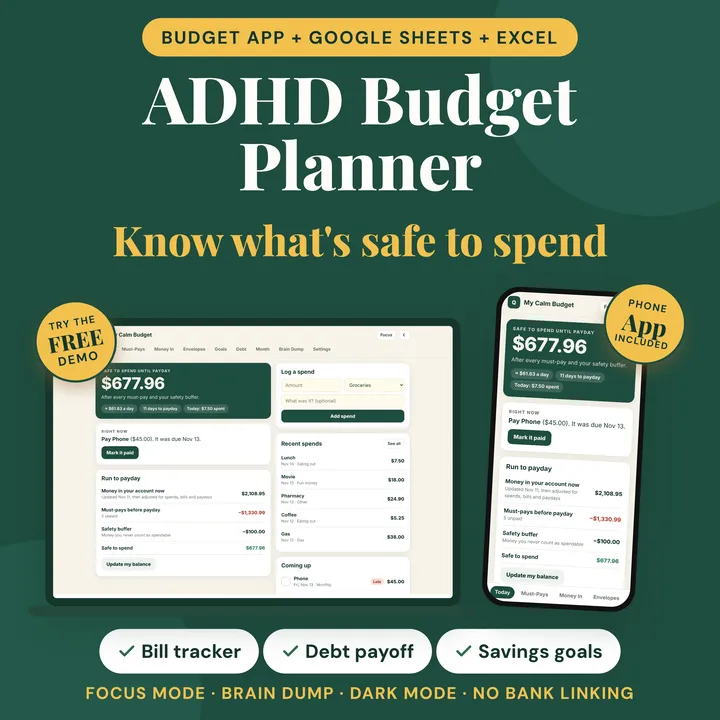 ADHD Budget Planner App
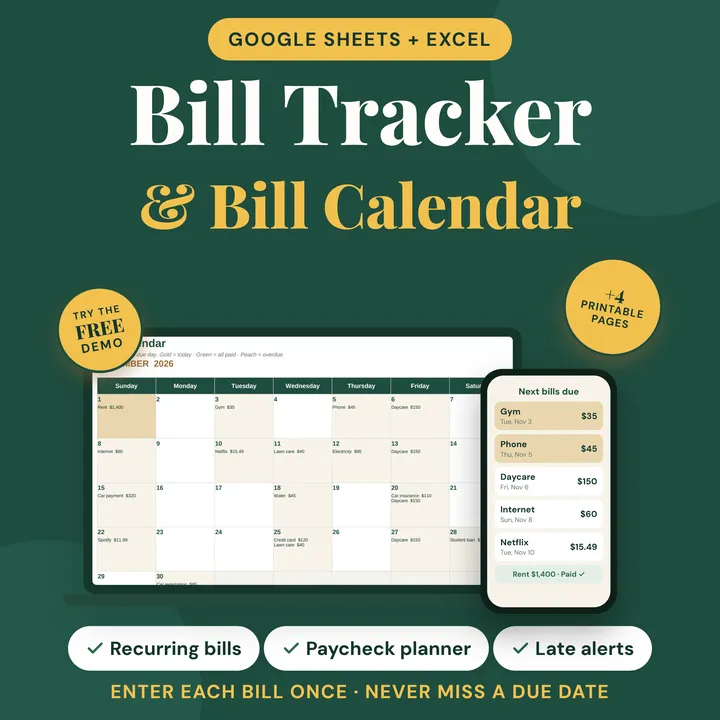 Bill Tracker and Budget Planner
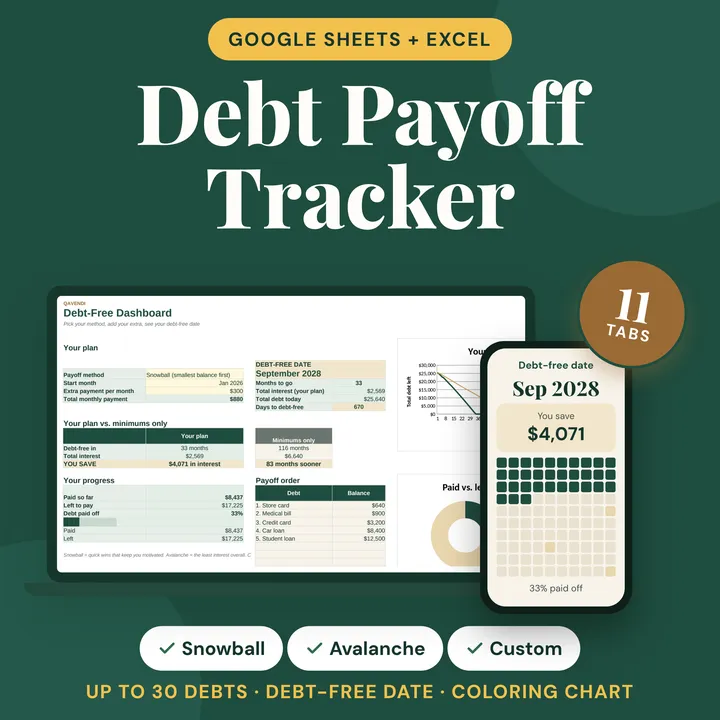 Debt Payoff Tracker 2027
The ADHD Budget Planner App gives you a safe-to-spend number for each paycheck, on your phone and in a spreadsheet. The Bill Tracker and Budget Planner keeps every due date in view, and the Debt Payoff Tracker 2027 compares snowball and avalanche for you. Budgeting as a pair? Try the Couples Monthly Budget Planner.
This guide is general information, not financial advice.