 Qavendi
Teacher Planner Ideas: Organize Lesson Plans, Grades and Attendance in One Place
Teachers juggle lesson plans, grades, attendance, parent notes and a hundred small tasks. Keeping them in one place saves time every single week. Here are practical ideas for setting up a teacher planner that you will actually keep using.
1. Plan by the week, not the day
Use one page or tab per week with a column for each day and a row for each class or subject. In each box, write the objective, the activity and any materials. Seeing the whole week at once makes it easy to spot a heavy day and move things around.
2. Keep a simple gradebook
List students down the side and assignments across the top. Add a weight for each type, such as homework, quizzes and tests, and let a formula work out the average. A spreadsheet updates every grade automatically when you add a new score.
- Use the same short codes every time, like HW1, Q1, T1.
- Color missing work so it stands out.
- Add a notes column for quick parent-contact reminders.
3. Track attendance in seconds
A grid with students and dates, and one letter per box: P for present, A for absent, L for late. A count at the end of each row shows totals for report cards.
4. Keep a ready-to-go folder of printables
Early finishers, sub days and practice time all go smoother with a stack of ready printables. Times tables practice and handwriting pages are classics because they work for many ages and need no prep.
5. Do a 15-minute Friday reset
Every Friday, enter the week's grades, mark what you did not finish and copy it to next week, and jot three things to prepare. Monday morning feels very different when this is done.
Ready-made for teachers
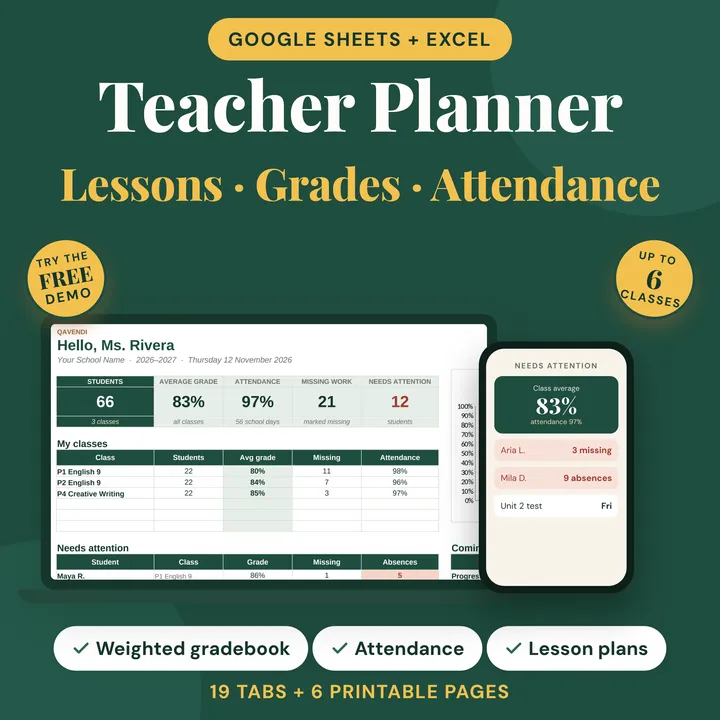 Teacher Planner
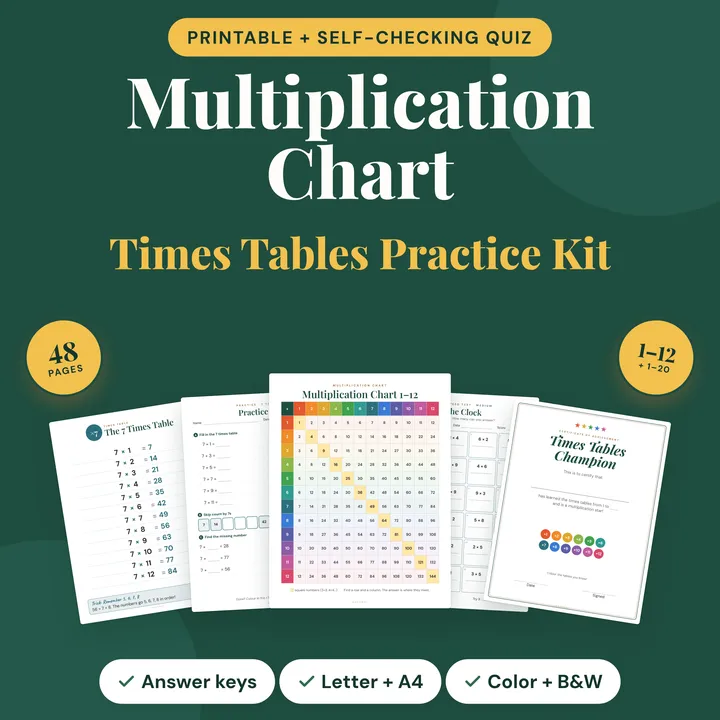 Multiplication Chart Kit
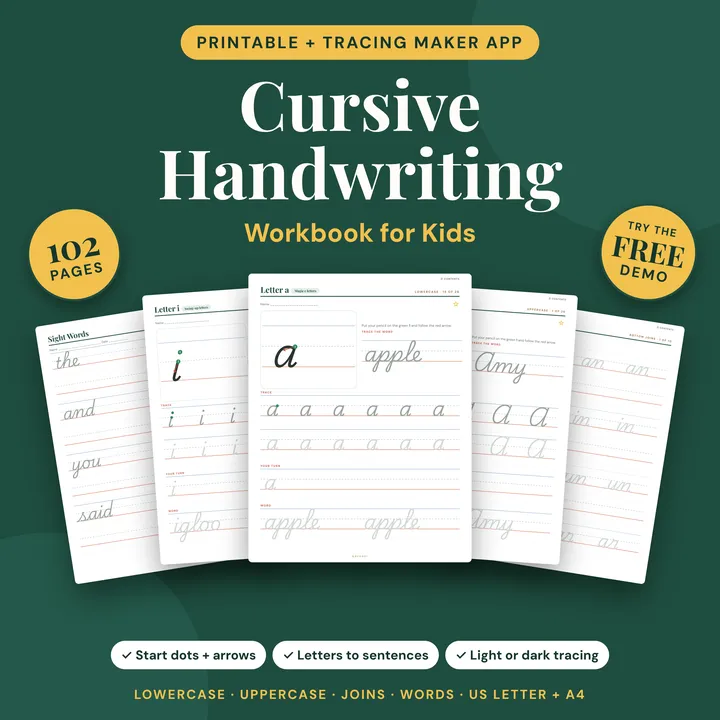 Cursive Writing Workbook
The Teacher Planner puts lesson plans, a weighted gradebook and attendance in one Google Sheets or Excel file. For printables, the Multiplication Chart Kit includes charts, worksheets and a self-checking quiz, and the Cursive Writing Workbook gives step-by-step cursive practice.